Configure VoiceMail on Grandstream Phones
Since voicemails conveniently show up in our email inboxes we rarely give voicemail a second thought. However, it has been pointed out that many of our voicemails were set up years ago by teachers who are in a different room, building, or even district! An unexpected name and voice can be quite confusing for parents and coworkers. Fortunately, reconfiguring your voicemail is very straightforward.
The first step is to press the Messages button on your phone:
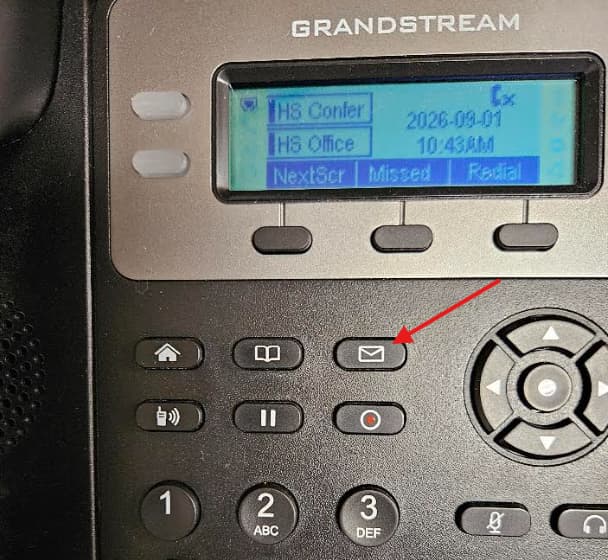
If at any point you are prompted to enter a password try the default password of 1234321. If it has been changed, please open a tech ticket by emailing support@wftigers.org and we will reset it.
Once the automated voice begins speaking, press zero to access the Mailbox Options.
The two options of importance are 1 and 3.
- Press 1 to record your unavailable message.
- Press 3 to record your name.
Follow the prompts each time to complete the process.
Originally posted by Carl Clements on the West Fork Technology Hub (2023-10-10).