Turning Off Group Email Notifications
Email groups are great, but they can sometimes be… a little much…
Google allows you to set your subscription settings on a per-group basis. This means that you can stay in a group, meaning that you can email that group, but you don’t have to receive all of the notifications.
First, we need to access the Groups page.
- Open up a chrome tab.
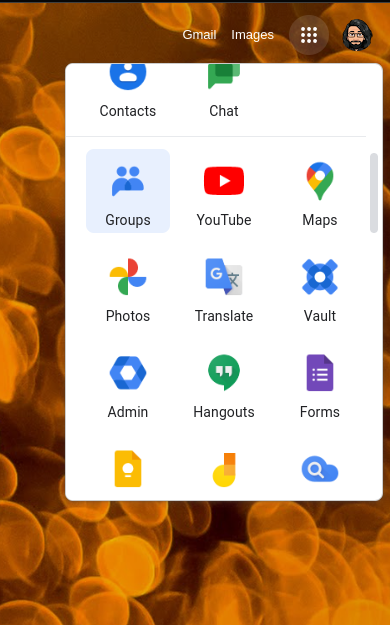
- Click the waffle icon
- Click on Groups (you might have to scroll)

- You should see each group you are in.
- Within the subscription column, you can choose from 4 options


- Each email - This is the default. You get an email for every message
- Digest - You get a single email each day with the full contents of all messages for that group.
- Abridged - You get a summary of of all emails sent in a single email each day
- No email - You will not get any emails from this group.
There isn’t a save function. Just select the option you want, and then you are good to go.
If you disable email, it might be good practice to visit this page more often. Clicking on a group name will let you view all messages.
Originally posted by Cory Robbins on the West Fork Technology Hub (2022-09-19).