Releasing Prints From Your Phone
It makes sense that you would need the ability to release a print job ONLY when you are in front of it when you are dealing with sensitive information, but sometimes, especially when you need to print something larger, it is far more convenient to release these prints remotely. You can now do that with your phone.
Here is a scenario: You are out sick, and you need to print a document for your sub. Use the off-campus printing access we just went over, and then use this mobile release feature to ensure that the document is ready for your sub.
This is just a website, but it has the “Add to Homescreen” feature.
First, go to this address (only works on a phone, and iPhone MUST use Safari for this - computer steps are later):
http://print.wftigers.org:9192/mr
This will bring up a website with a login screen. Don’t worry about that right now. For now, for iPhone, tap the share button, and for android, tap the 3 vertical dots. 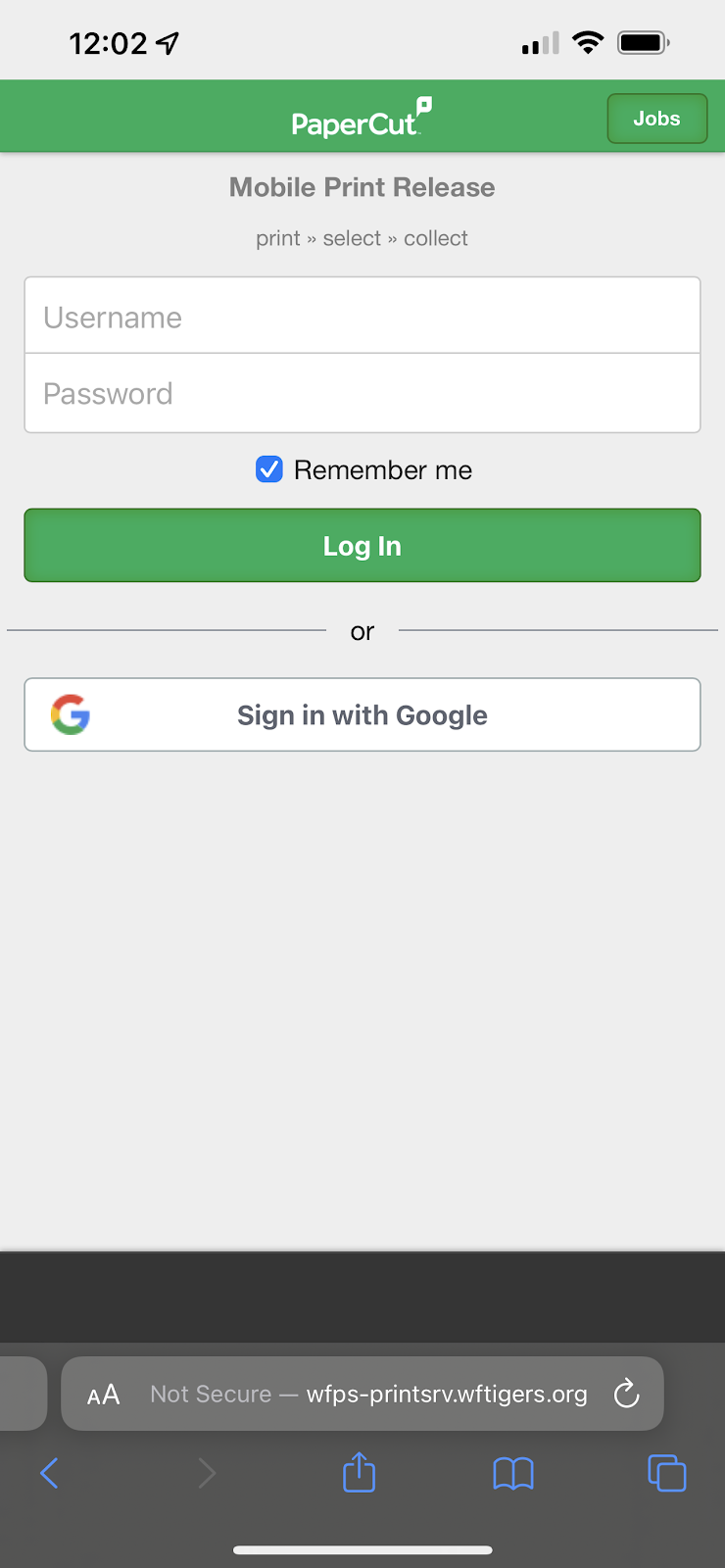
Then, for both types of phone, tap the “Add to Home Screen” button.
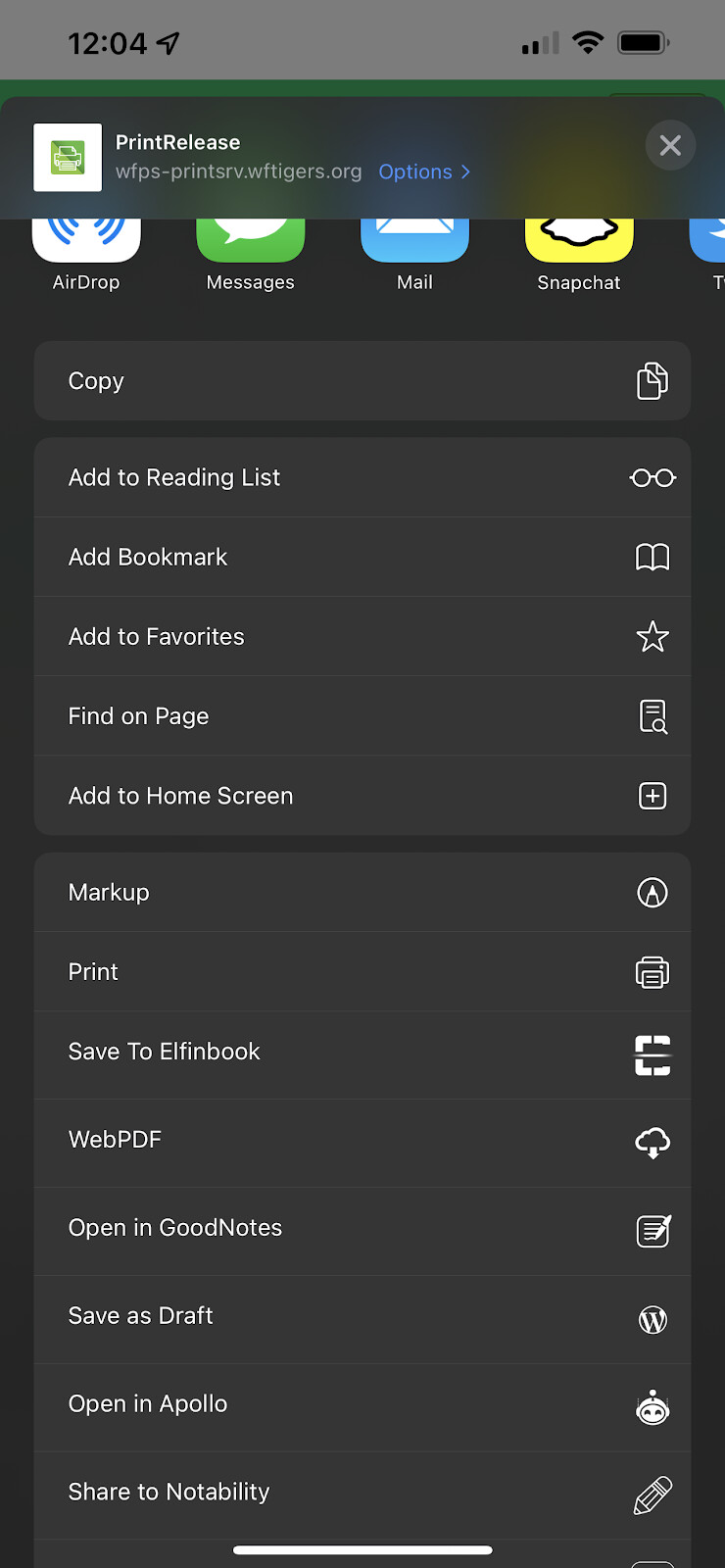
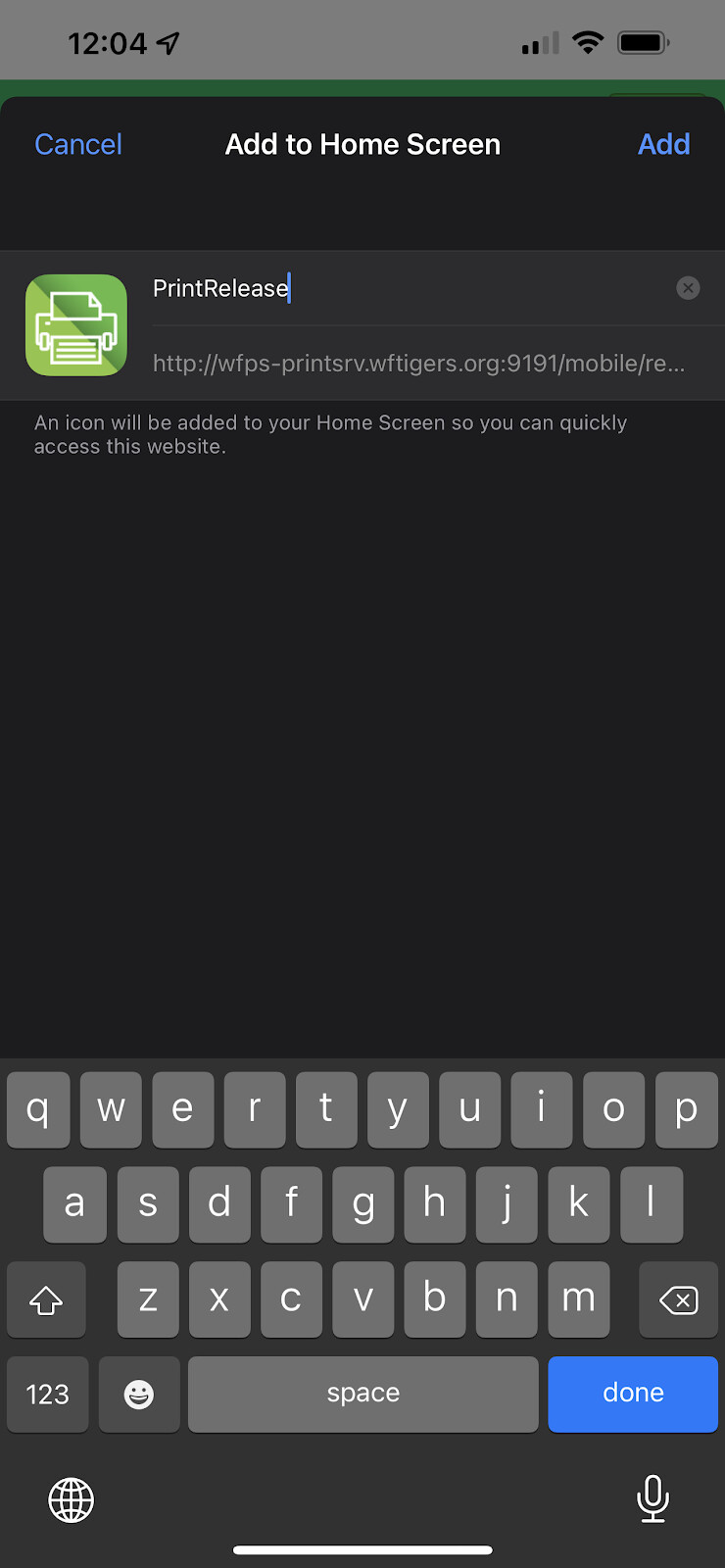
You will be asked to name your shortcut.
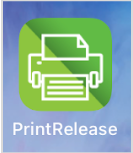
You should get an icon that looks similar to this one:
Now, when you open that app, you will see the same site from earlier. Now, you can choose to log in by typing your information (if you don’t want to use your Google account on your phone), or touch the Google button for a quicker login. I recommend hitting the “Remember me” option. You will have to verify the Google Account.
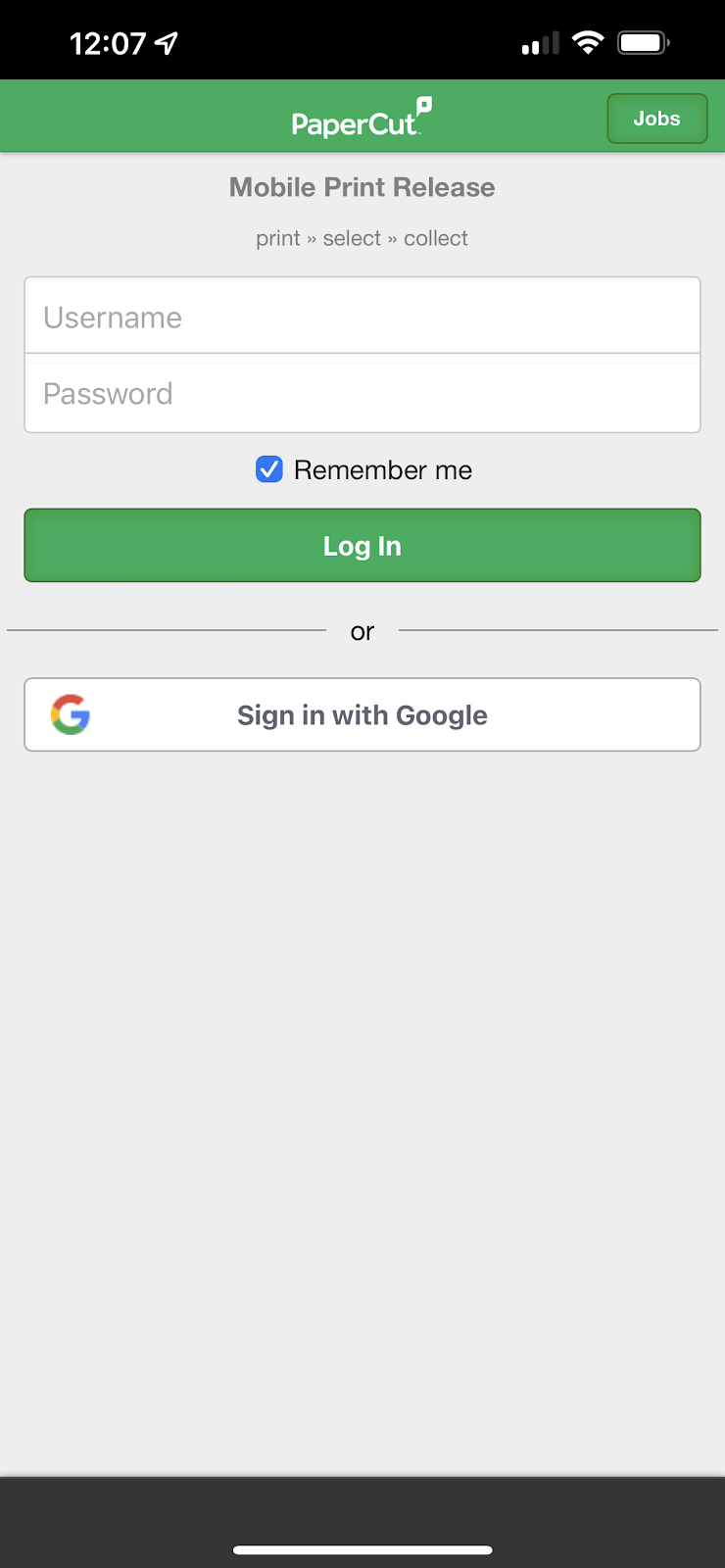
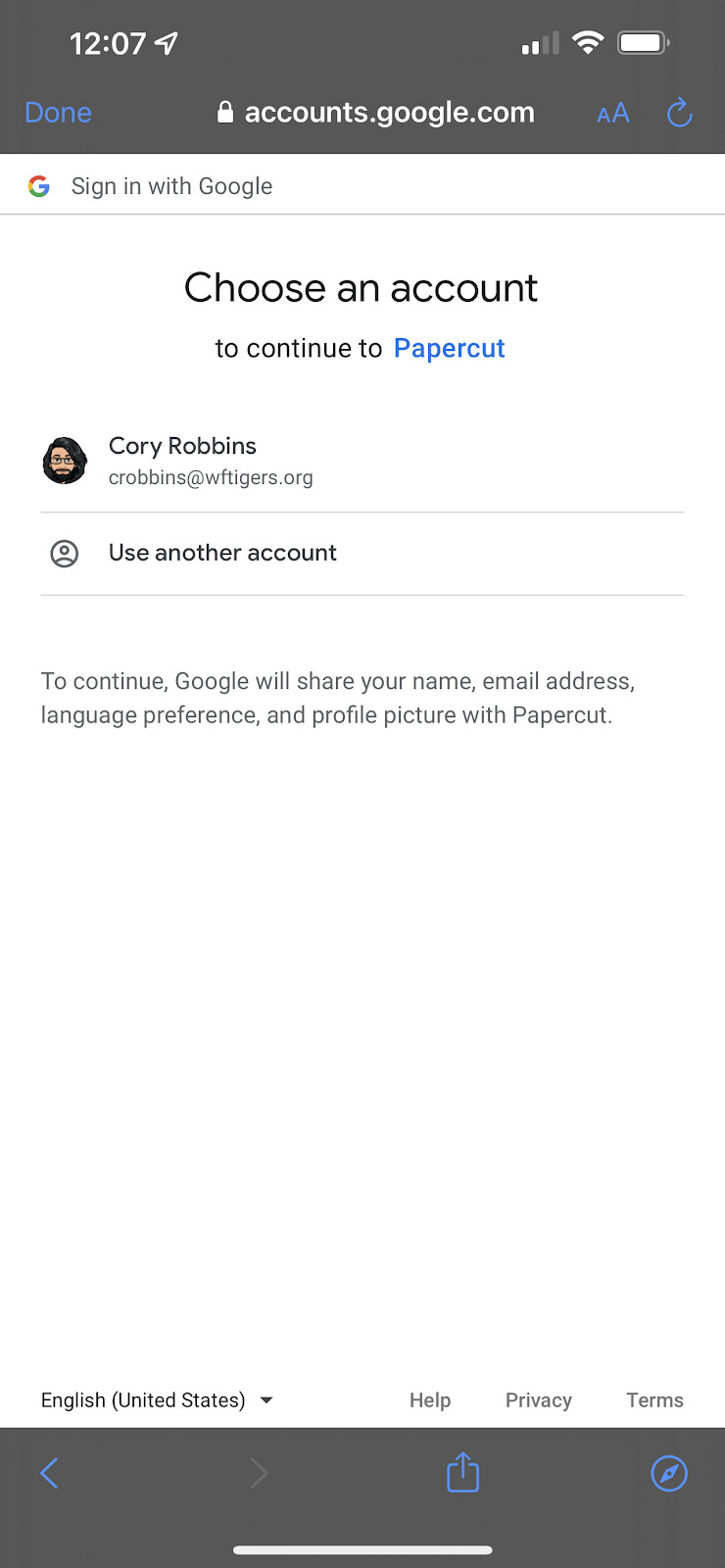
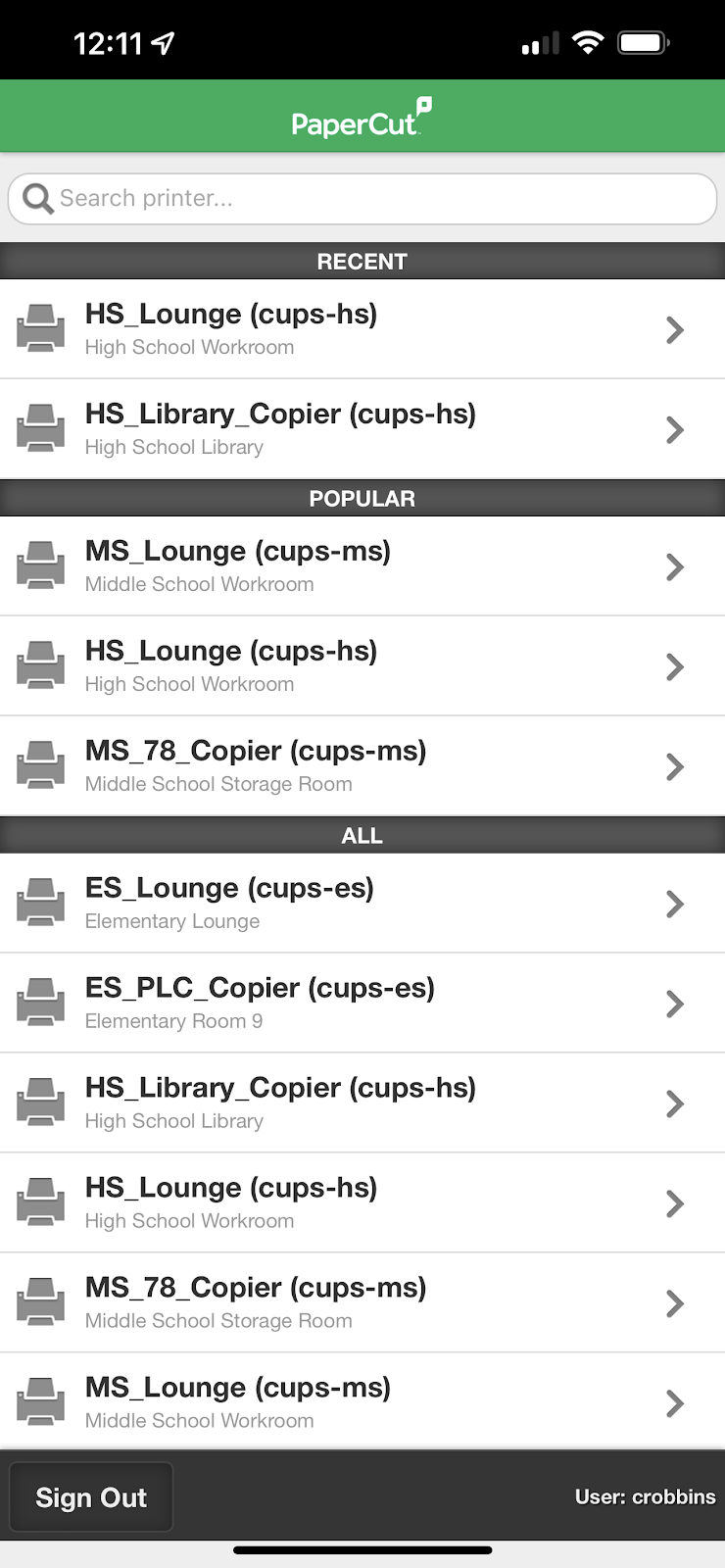
Once you have logged in, you will see the all available printers. Go ahead and tap the printer that you want to send your document to.
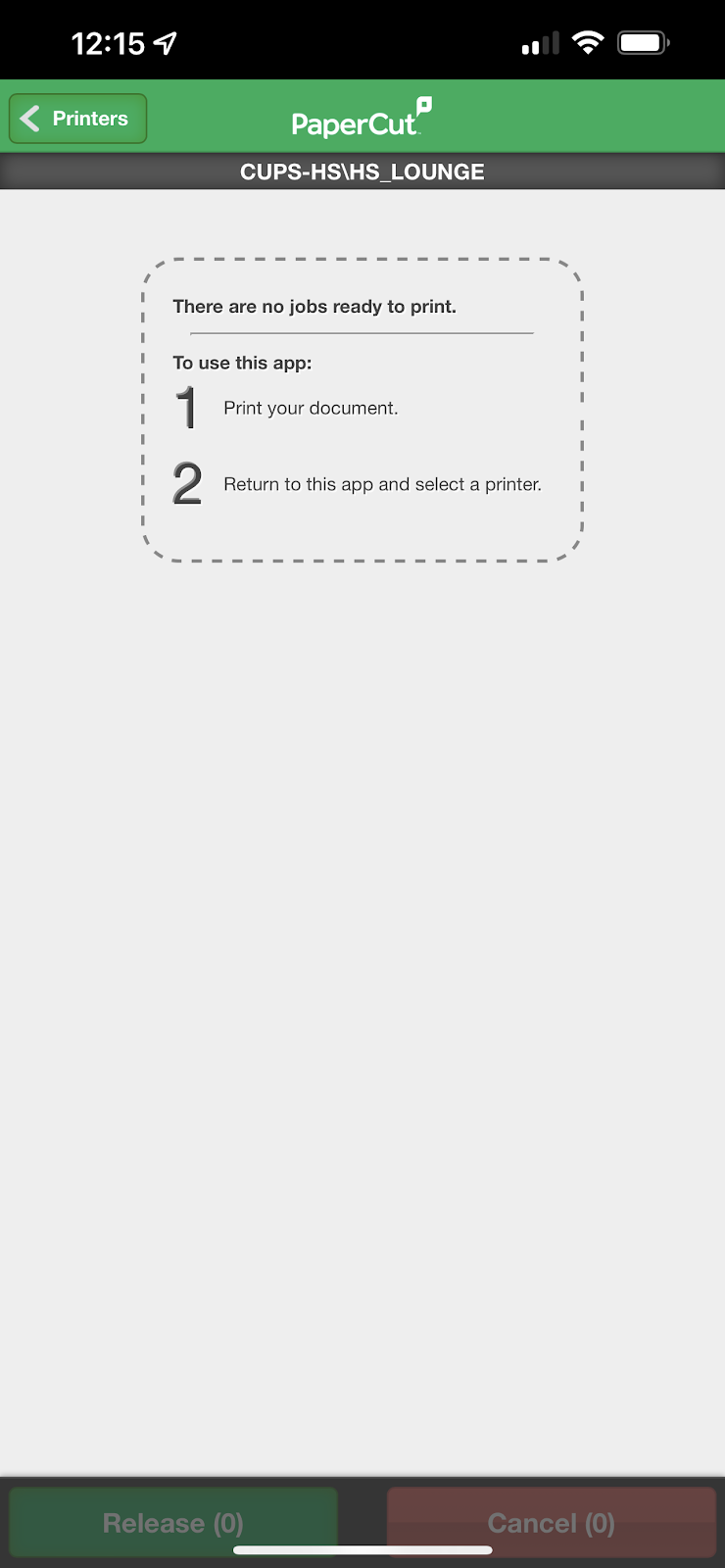
On the resulting page, you will see a list of any files you have sent to the Print_Release printer. You can check the box to the left of each file, and then choose to click the “Release” or “Cancel” buttons.
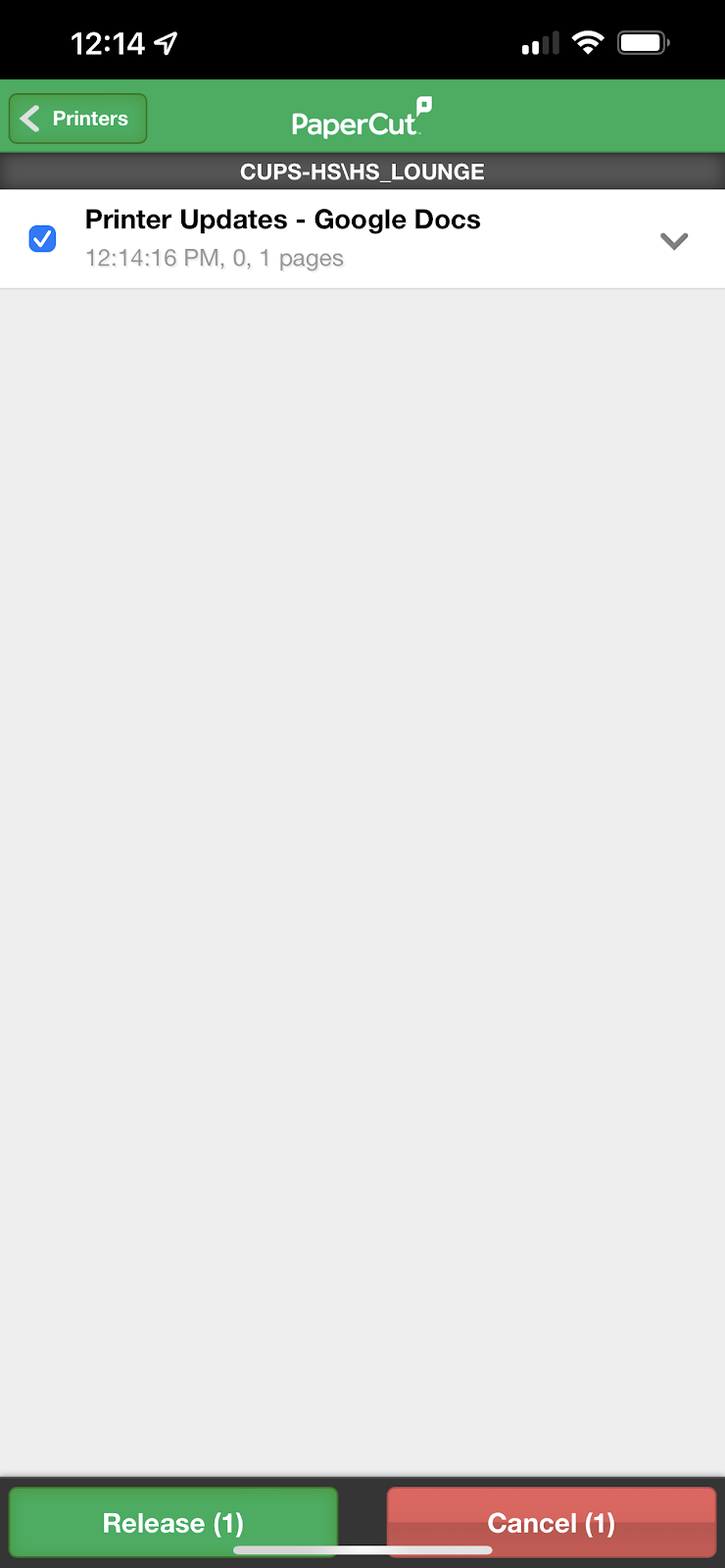
If you hit “Cancel” the document will not be printed. If you click on the “Release” button, your document will be printed to your chosen location, WITHOUT you having to scan your badge.
After you print your document, your release queue will show that it is empty until you print a new document.
Originally posted by Cory Robbins on the West Fork Technology Hub (2023-02-16).