
Airtame Troubleshooting
Computer will not connect to Airtame
This occasionally happens when the airtame has been saved as a favorite and the IP address of the airtame has changed. If your computer will not connect to a saved favorite, try manually typing in the IP address shown at the bottom left of the projector screen. It will look something like this: 10.62.92.246.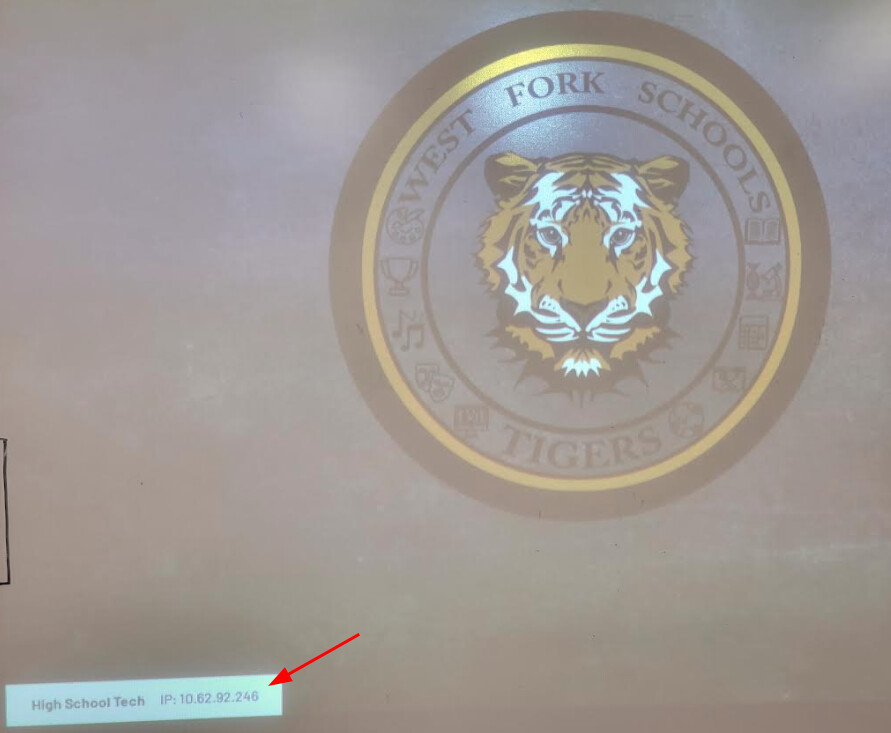
Airtame screen is not displaying on the projector
There are a couple of common possibilities.
Solution One: Make sure the projector input is set to HDMI.
Solution Two: If you can safely reach the airtame device; unplug the power cable, plug it back in, and allow the airtame to reboot.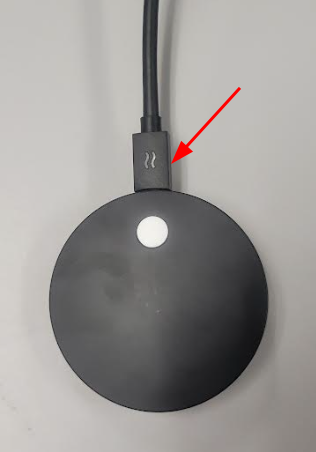
Originally posted by Carl Clements on the West Fork Technology Hub (2022-12-20).
No comments to display
No comments to display