
Entering Semester Grades in TAC
To enter semester grades in TAC:
-
Enter all assignments and all grades into the gradebook for the quarter. (Remember to check for blank marks that may not be calculating correctly! If a grade should be a zero enter a zero.)
-
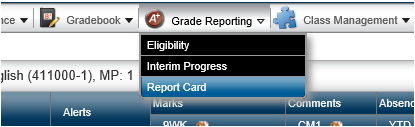
Go to the Grade Reporting Menu and select Report Card.
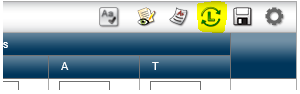
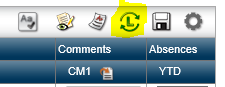
- To the upper right of the screen click the L with arrows to “Load from Gradebook.”
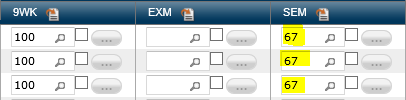
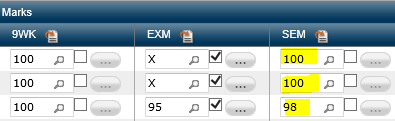
- NOTE: The semester average is not being calculated correctly since there is no exam grade entered.
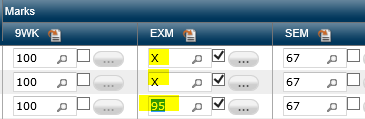
- Enter the exam grades in the EXM column. If you do not give a semester exam or a student is not required to take the exam, enter an X.
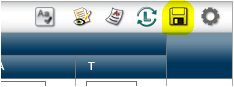
- Click the save icon.
- Once again click the Load from Gradebook icon.

- NOTE: The semester grades will recalculate and should now be correct.
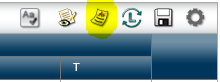
- Optional Click the Report Card Summary button to view a report view of the entire class.
- Repeat for each course section.
Originally posted by Carl Clements on the West Fork Technology Hub (2022-12-13).
No comments to display
No comments to display