
Off-Campus Access for eSchool, TAC, and eFinance
The proxy is only active when you attempt to access eSchool, TAC, or eFinance outside of the school network.
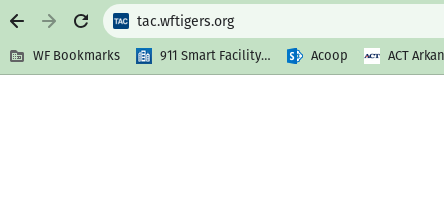
The first time you access one of these sites from off-campus, you will be prompted with the box below:
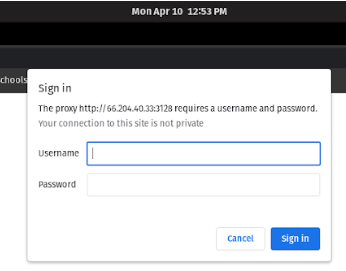
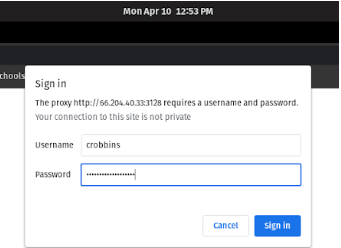
In the “Username” box, type the first part of your email, the part before @wftigers.org. In the “Password” box, type in your email password, and then click on “Sign In.”
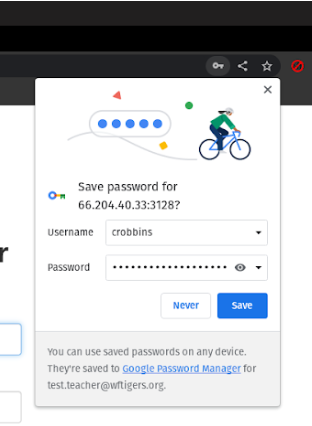
Once you successfully authenticate, you will be prompted to save your password. Doing this will mean that you no longer see the previous prompt. You don’t HAVE to save your password, but you can!
At this point, you may log in to eSchool, TAC, or eFinance using your 7208 username and password.
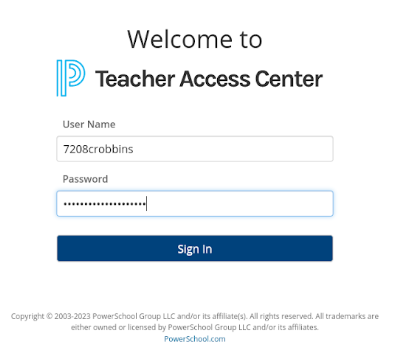
Things to note:
- You must have sync active within Edge or Chrome
- The proxy only work off-campus
- The proxy blocks ALL traffic to websites that don’t end in either k.12.ar.us or powerschool.com; this means that it is impossible for any personal information to be sent through it.
Earlier instructions: Connecting to the WFPS VPN For Off-Campus eSchool, TAC, and eFinance Access (2023-01-11)
It is unlikely that the previous method of accessing the state sites from home will work again, here are the working VPN instructions that will allow you to continue connecting from home…
PLEASE remember that this sends ALL of your internet activity through the school’s servers for as long as you are connected. You must remember to connect only when you need access to the state resources and disconnect when you have finished doing what you need to do on those sites.
Because this contains passwords, you will be required to be logged in with your faculty account to view this document.
If the embed isn’t working for you, here is a direct link to the document:
Access Google Docs with a personal Google account or Google Workspace account (for business use).
Originally posted by Carl Clements on the West Fork Technology Hub (2023-04-11).