
Google Search Tools
Importing…Google is the most used search engine in the world. It has many useful but hidden-away capabilities. This article explores some well-known and some lesser-known tools that are accessible from the Google search bar. Many of these are super handy in the classroom.
Click the arrow next to each topic for more details.
Timer
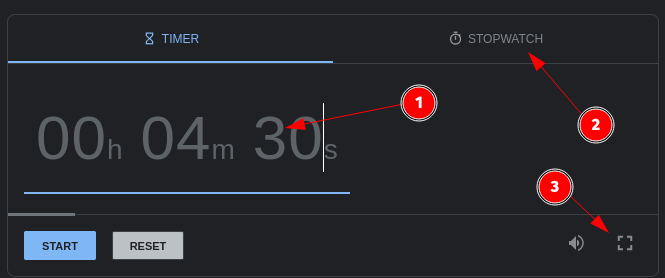
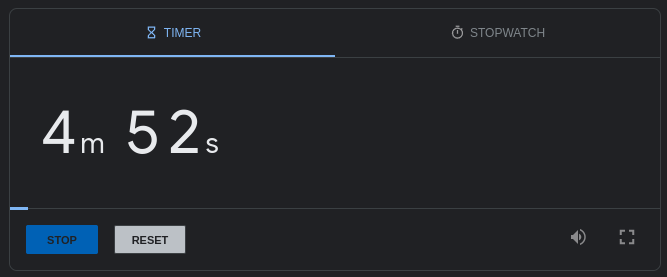
Type the word “timer” in the Google Search bar.
A 5-minute timer will load automatically.
Adjust the number of minutes by clicking on the time.
Click Stopwatch to switch modes
Clicking Full Screen is handy if displaying on a projector.
Calculator
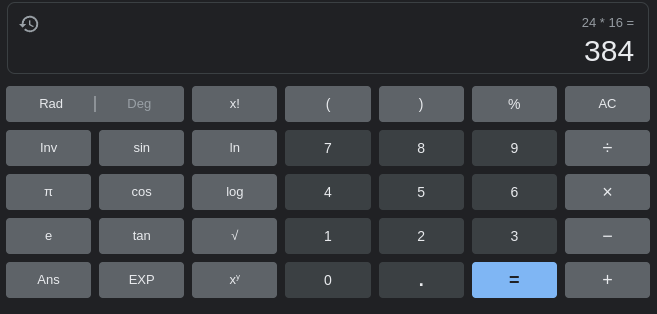
Type the word “calculator” in the Google Search bar.
A basic scientific calculator is displayed.
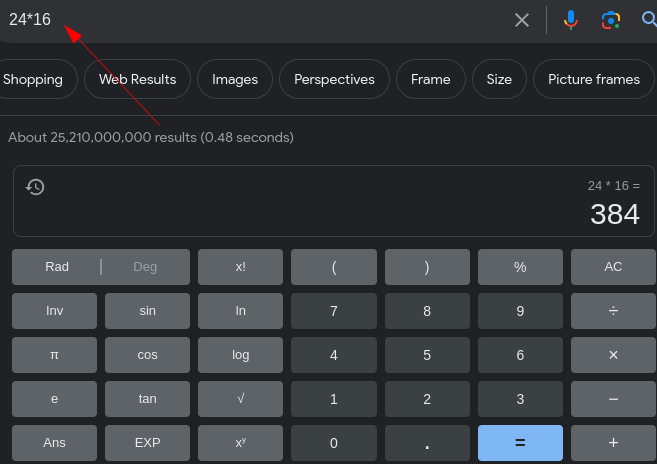
Alternatively, type a math problem directly in the search box. The calculator will load with the answer.
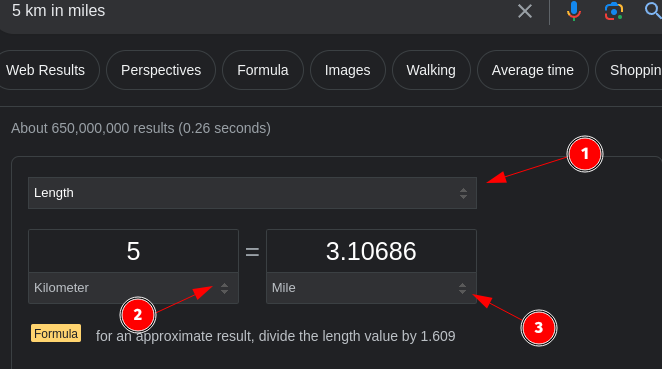
Unit Conversion
Type a number and then two different units in the Google Search bar.
Examples: 5 km in miles or 2 cups to ml

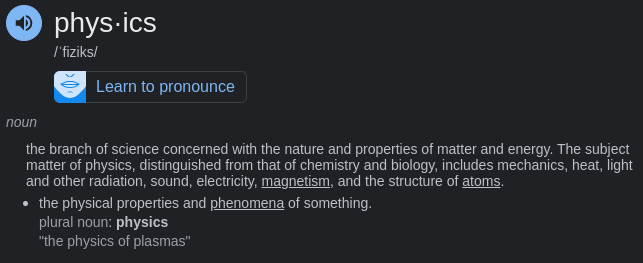
Dictionary/Pronunciation
Type define and a word in the Google Search bar.
Click on the audio icon to hear the word pronounced.

Google Translate
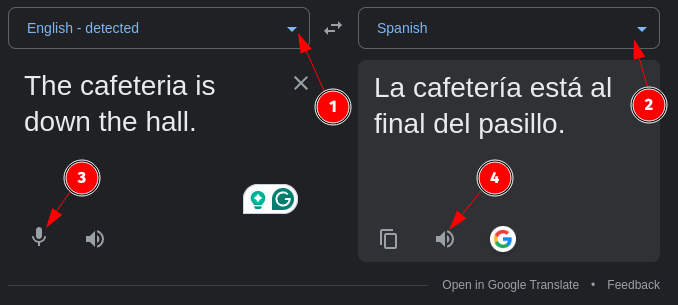
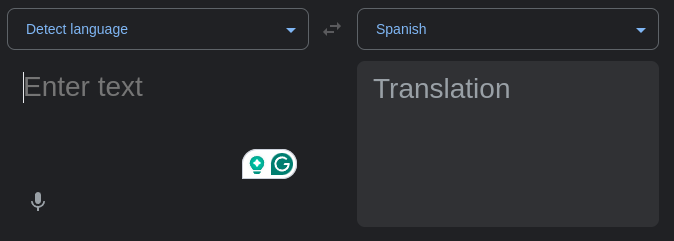
This is a simplified version of Google Translate.
Select the input language or begin typing and let Google detect.
Select the output language.
Click the microphone for audio input.
Click the speaker to hear the translation.
Sunrise/Sunset
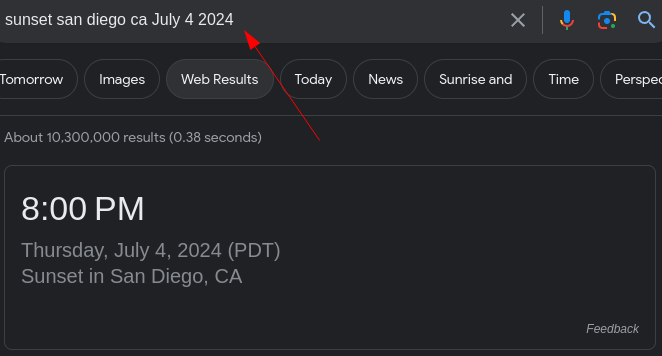
Type “Sunrise” or “Sunset” in the Google Search bar. This will display the sunrise or sunset time for your current location.
For more fun enter an alternate location and add a date.

Time In Any Location
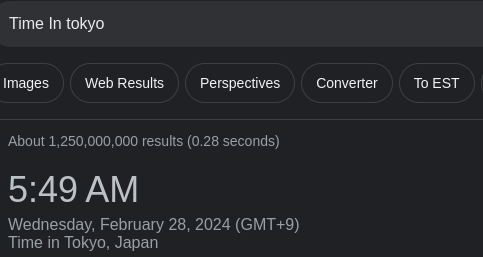
Type “Time In” followed by a location in the Google Search bar to see the current time.
Type just “Time In” to see the time in your current location.

Coin Flip
Type “Coin Flip” in the Google Search bar.
This can be a fun and unbiased way to decide between two options.
Also handy when teaching probability.
Click Flip Again to repeat.


Spinner Wheel
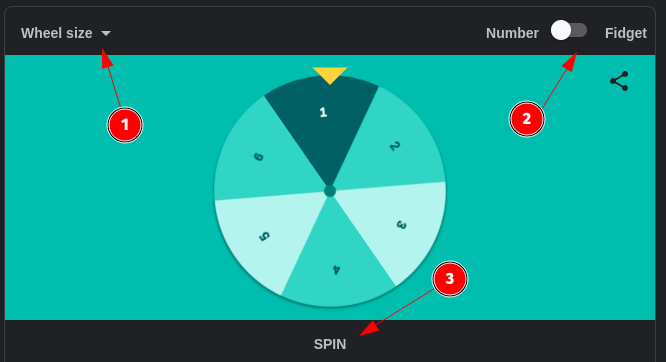
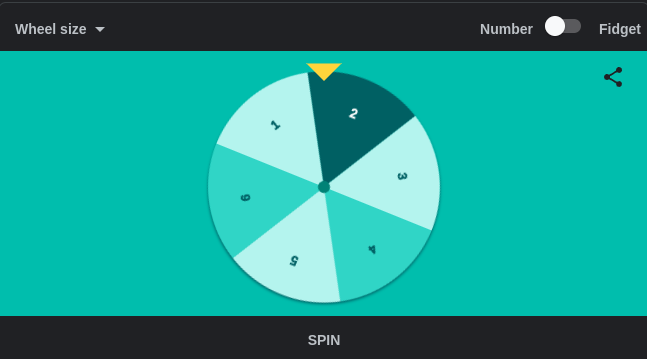
Type “Google Spinner” in the Google Search bar.
This could be a creative way to call on students (or many other uses).
Click in the upper left corner to change the wheel size.
Click in the upper left to change the wheel to a fidget spinner.
Click Spin to spin again.
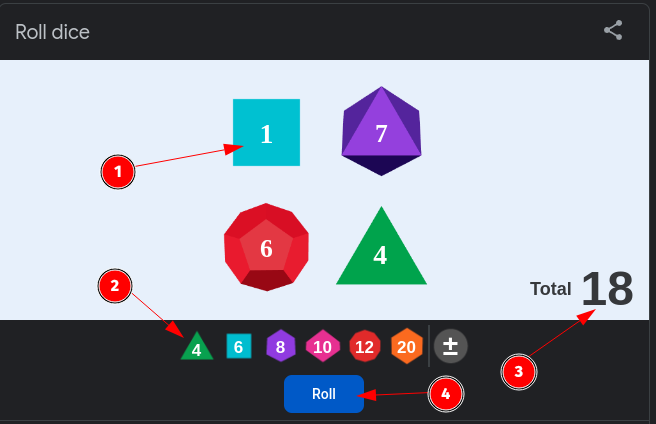
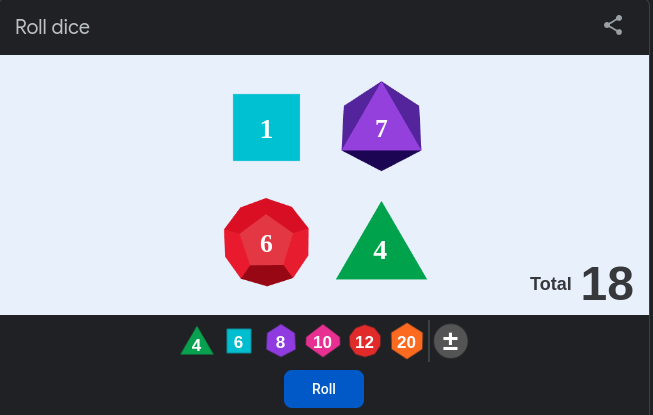
Roll Dice
Type “Roll Dice” in the Google Search bar.
This is handy for playing games or probability lessons.
Click on a die to remove it from the board.
Click a die type to add it to the board.
The total is displayed automatically. Use the plus/minus button to add/subtract from the total.
Click Roll to roll again.
Google Metronome
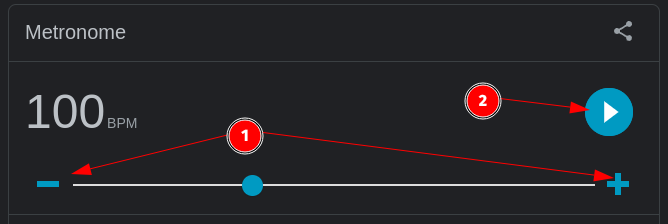
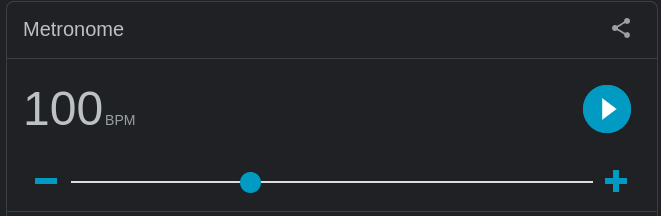
Type “Google Metronome” in the Google Search bar.
Click + or - to change the Beats Per Minute.
Click play to start the metronome.
Google Tuner
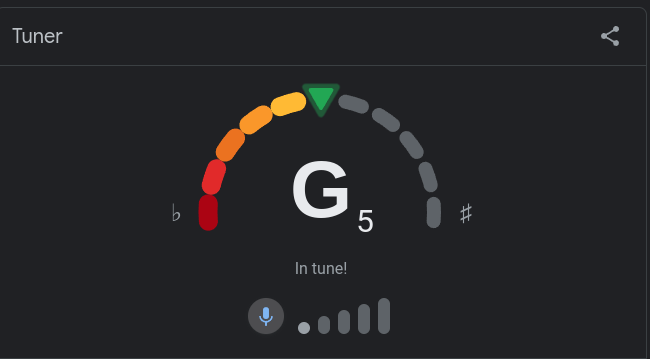
Type “Google Tuner” in the Google Search bar.
Click the microphone icon to begin.
It will display the musical note and if it is in tune.
Originally posted by Carl Clements on the West Fork Technology Hub (2024-02-27).