
Adding the Grade Check Widget to Your PawPoint Dashboard
The Grade check widget allows you to view the full message sent by all of your mentees. It also allows building principals, counselors, and district administrators to view the same information.
- On your dashboard, click "Edit Dashboard."

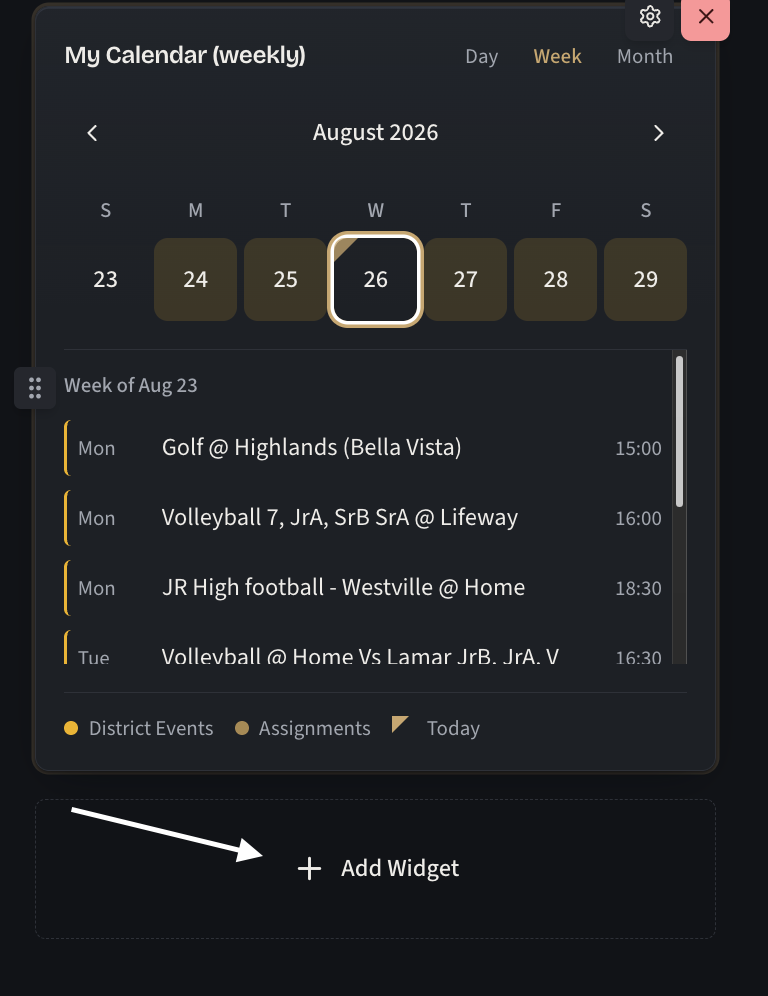
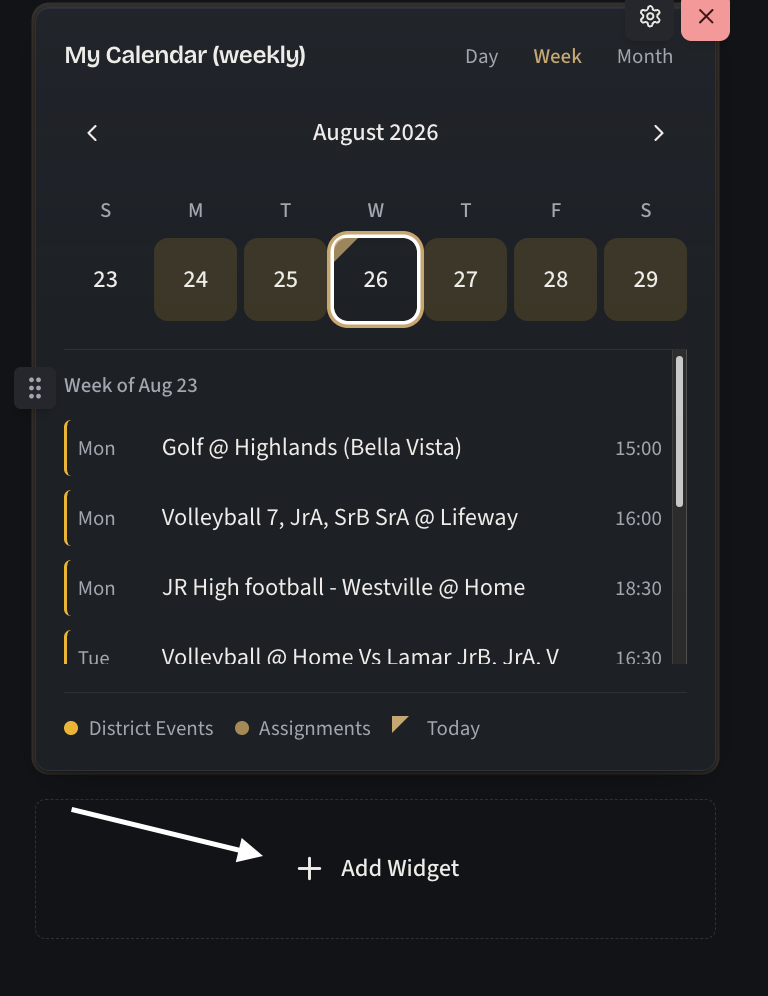
- Click on the "Add widget" button found at the bottom of your widget columns.
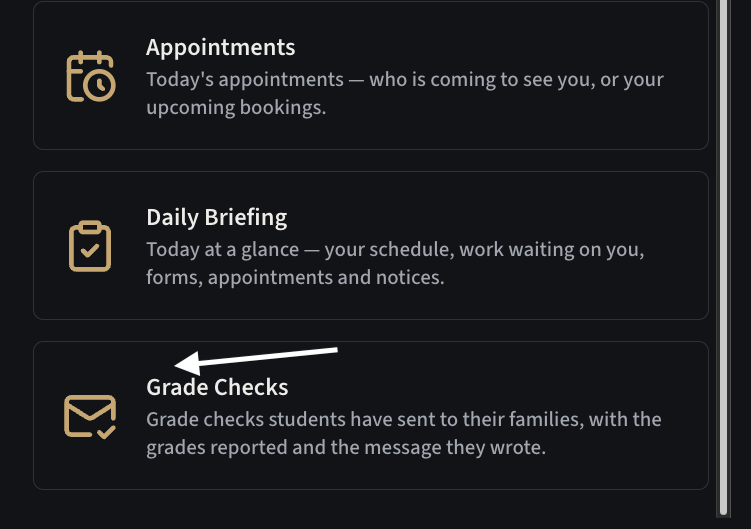
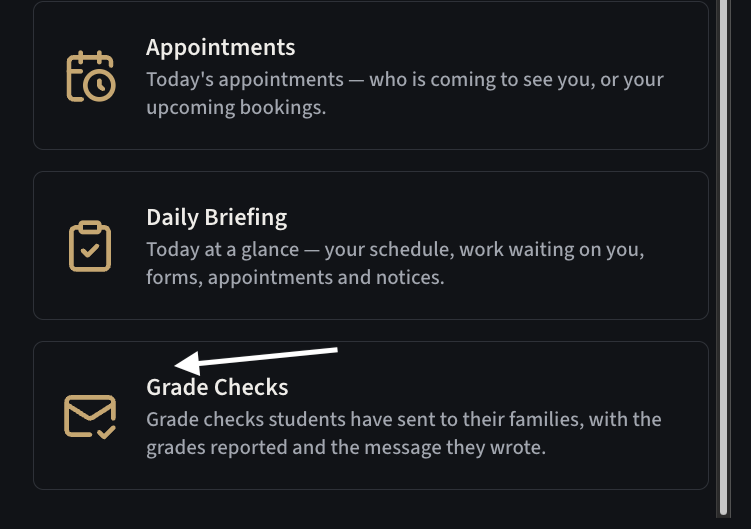
- Click on the Grade Checks widget. You might have to scroll.

By default, this will show you:
- Teachers - Your full list of rostered students as they complete a check.
- Building Principals/Conselors/Secretaries - Your building's full student roster, as they complete the checks.
- District Administration - The full district's student enrollment as they complete the checks.
Filtering is available.
If you want to see only your mentee students, you may edit the widget, and enable the "Only my mentees" toggle.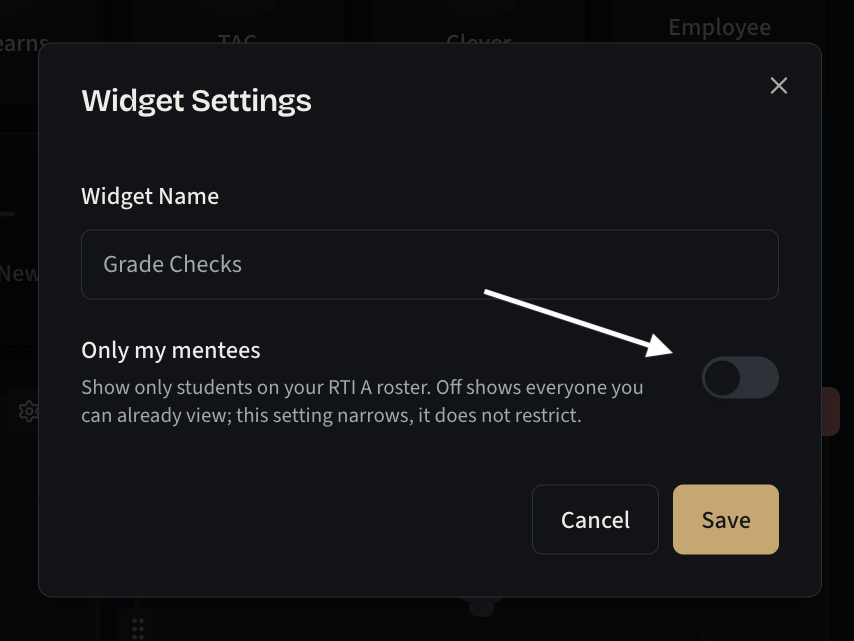
No comments to display
No comments to display