
Releasing Prints From Your Computer
While mobile release is pretty cool (and works off-campus), you might also want to be able to release documents from your computer without having to get out your phone. This is also super simple, and it also works from home.
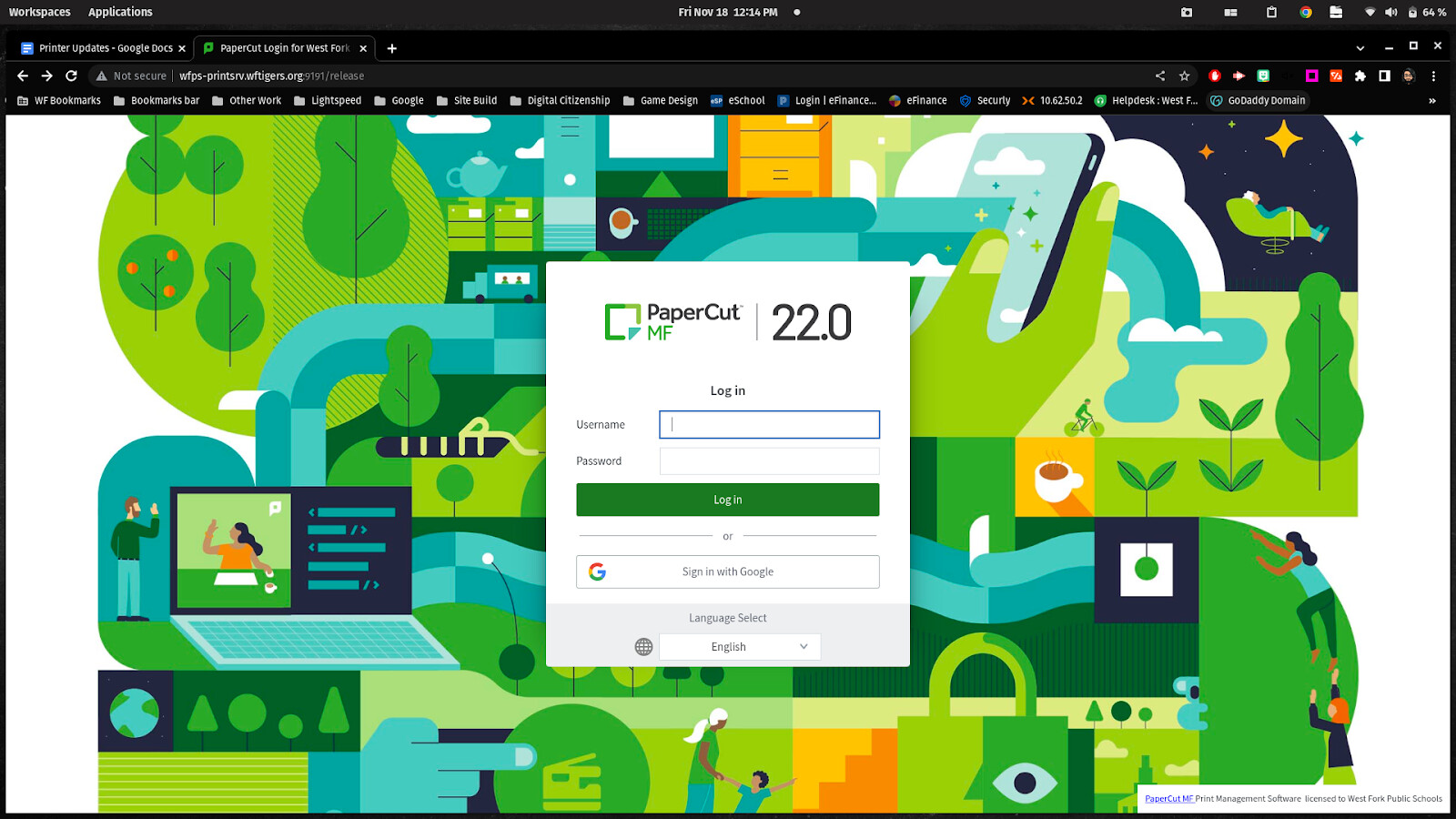
Start by going to this website:
http://print.wftigers.org:9191/9192/release
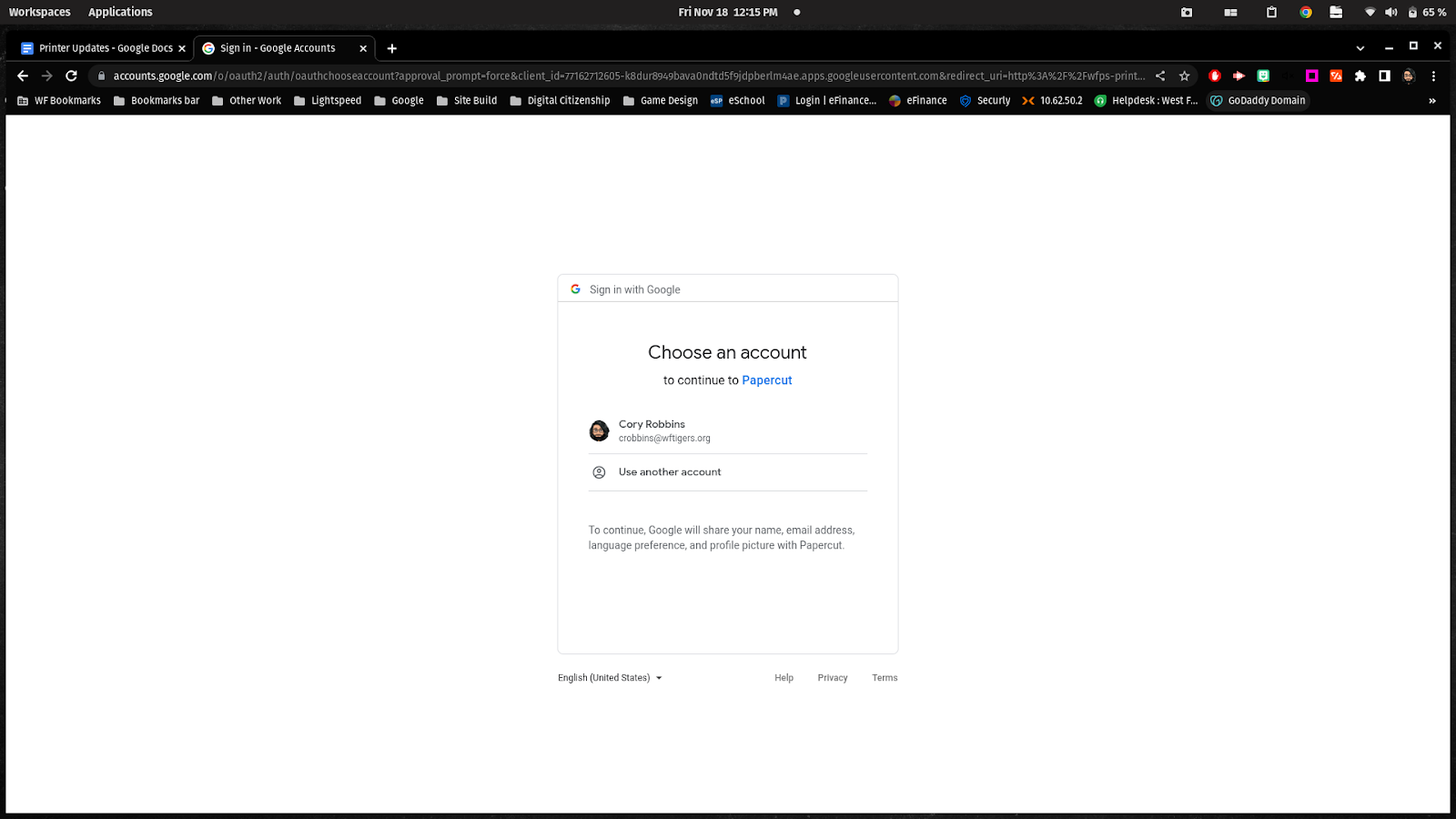
Go ahead and log in with the Google button or by typing it in. From here, the process is pretty much identical to the mobile route.
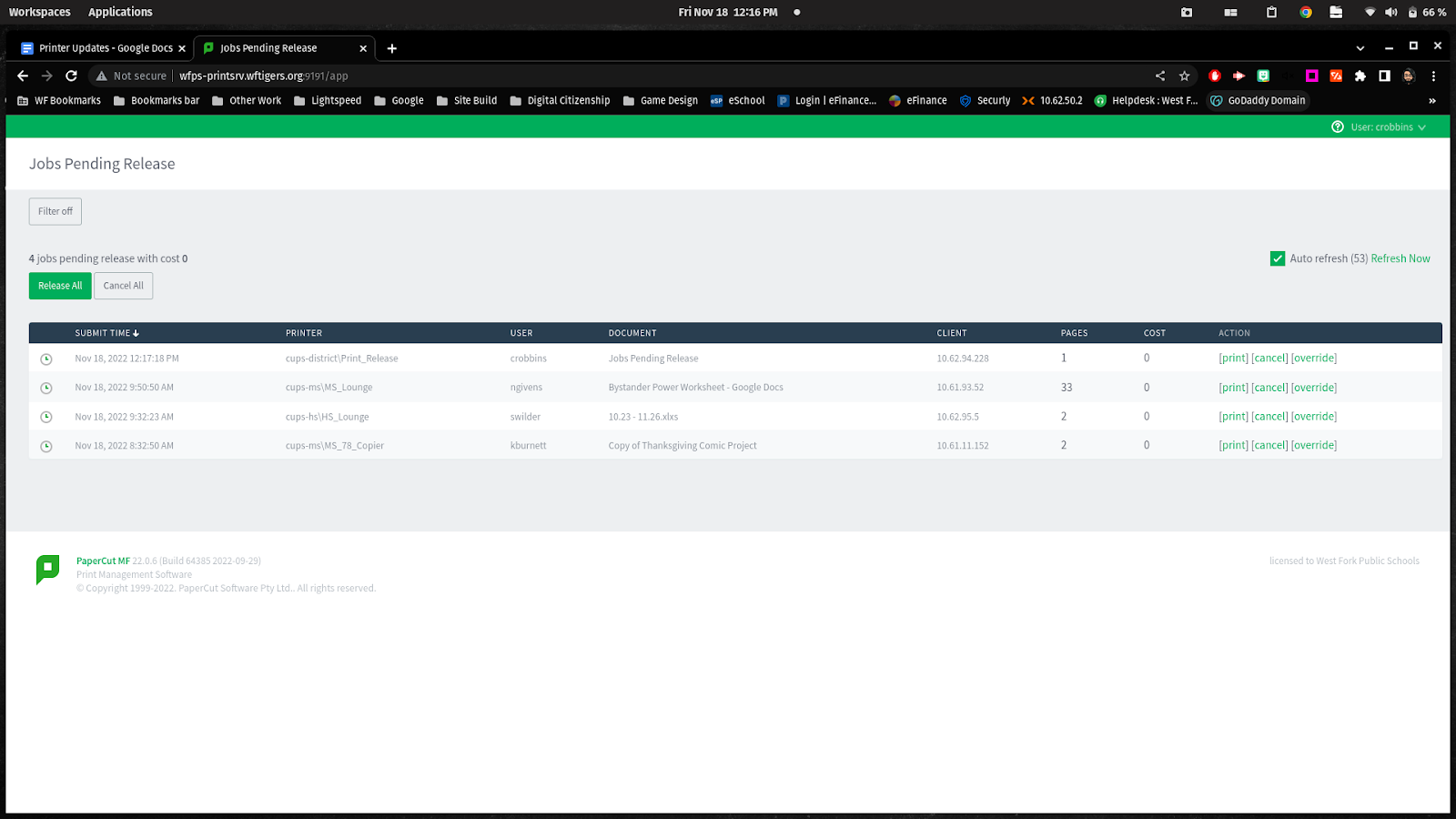
Release steps (same as on a phone)
{{@1900#bkmrk-once-you-have-logged}}
{{@1900#bkmrk--4}}
{{@1900#bkmrk-on-the-resulting-pag}}
{{@1900#bkmrk--5}}
{{@1900#bkmrk-if-you-hit-%E2%80%9Ccancel%E2%80%9D-}}
{{@1900#bkmrk-after-you-print-your}}
{{@1900#bkmrk--6}}

Originally posted by Cory Robbins on the West Fork Technology Hub (2023-02-16).