
How to Use escWorks
Importing…Click the arrow to expand each topic.
Creating an escWorks Account
Navigate to escWorks: Shoebox
Click on “Click here to create and account”

Fields with an * are required
Choose Northwest Education Service Cooperative as your organization
Choose West Fork School District at your Site
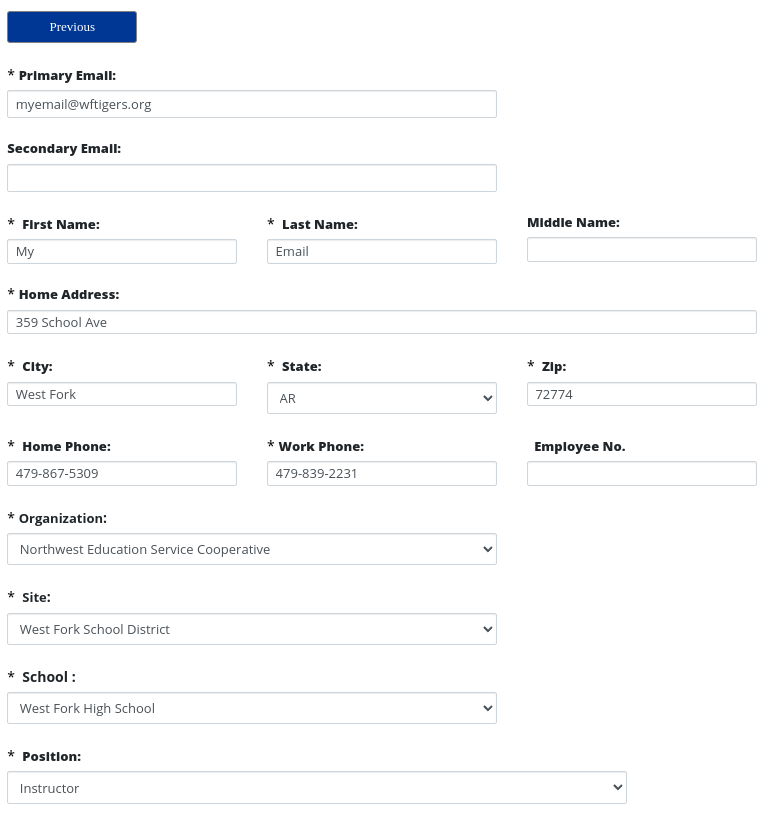
Enter a password
Click Save Record
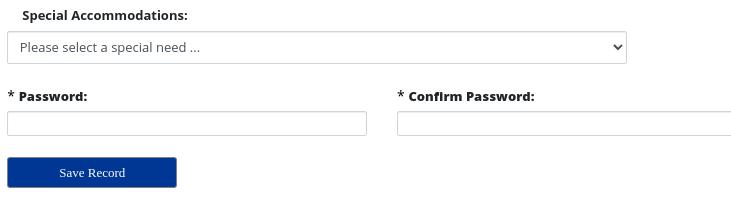
Registering for a Regular Session
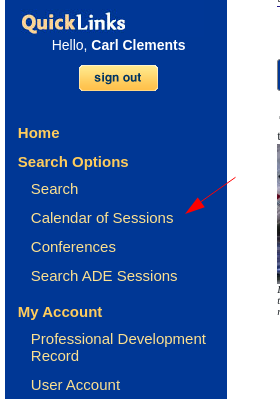 Make sure Northwest Education Service Cooperative is selected.
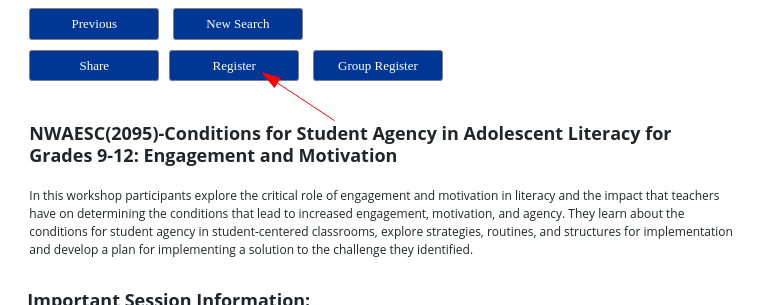
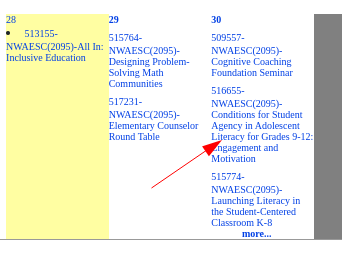
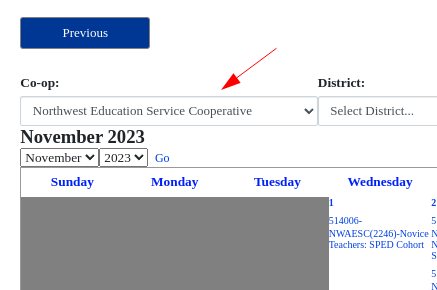 Click on the desired workshop
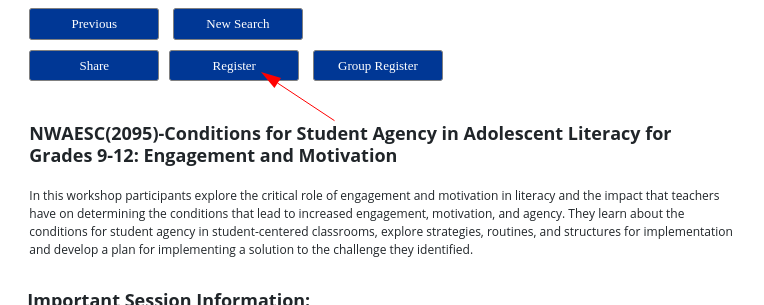
 Click Register
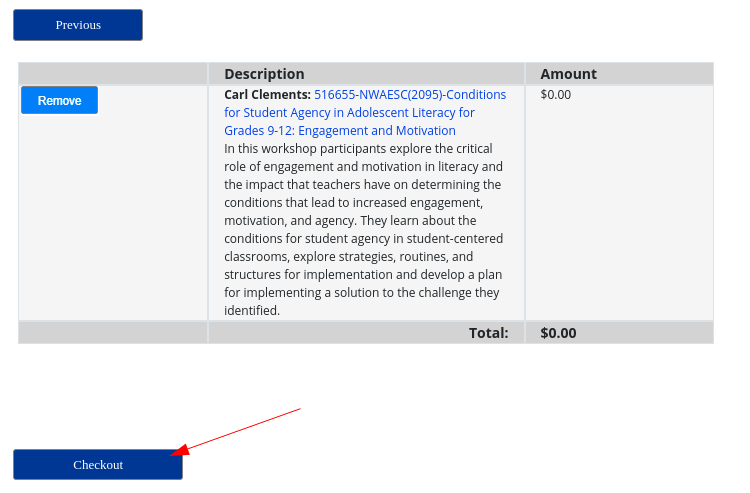
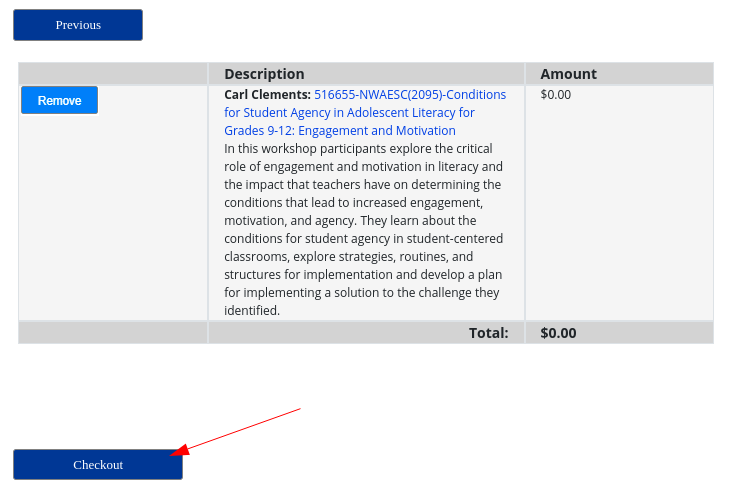
 Click Check Out
 You will receive an email confirming your registration
Registering for a Private Session
Some workshops are not advertised on the calendar. For these, you will receive an ID from an administrator or a coop employee.
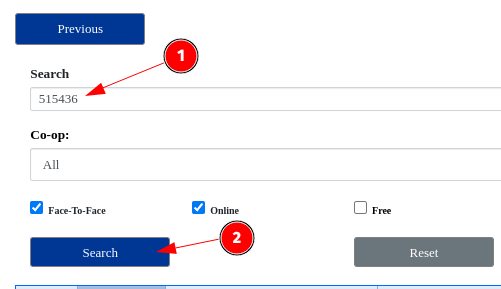
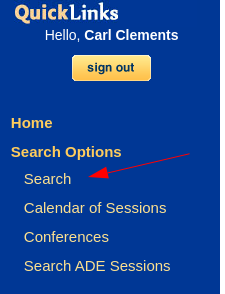 Enter the provided session ID and click search
 Click on the desired workshop
 Click Register
 Click Check Out
 You will receive an email confirming your registration
Confirming a Session Registration
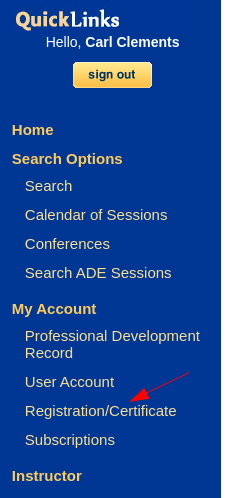 Upcoming Sessions will be listed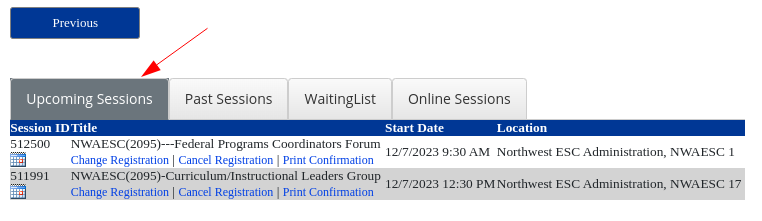
Cancelling a Session Registration
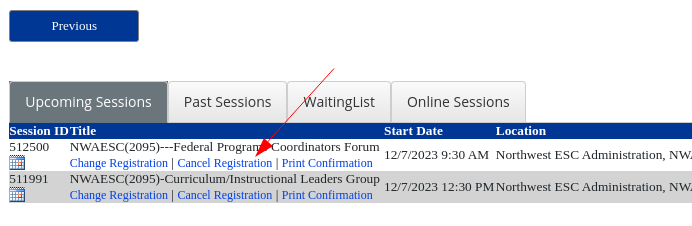
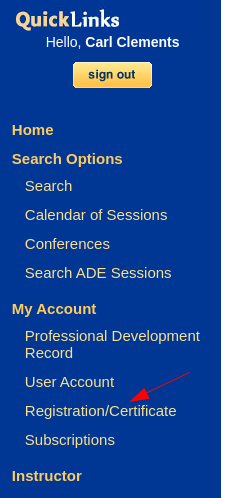 Find the session to cancel and click Cancel Registration
 Confirm the cancellation
 You will receive an email confirming your cancellation
Downloading a Session Certificate
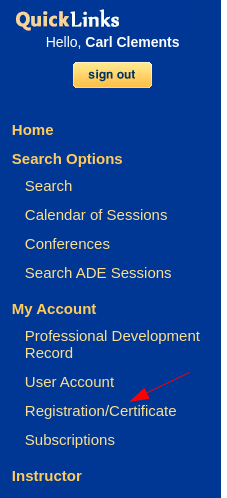 Click on Past Sessions
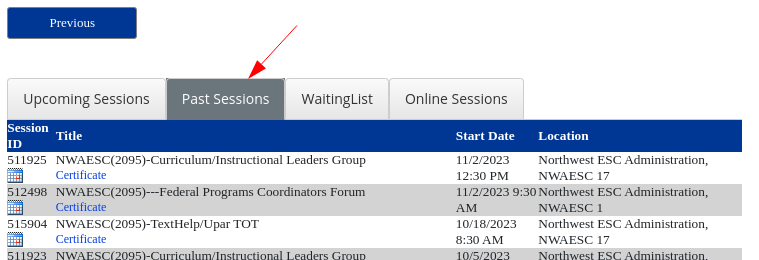 Locate the desired workshop and click Certificate. The certificate will download as a PDF.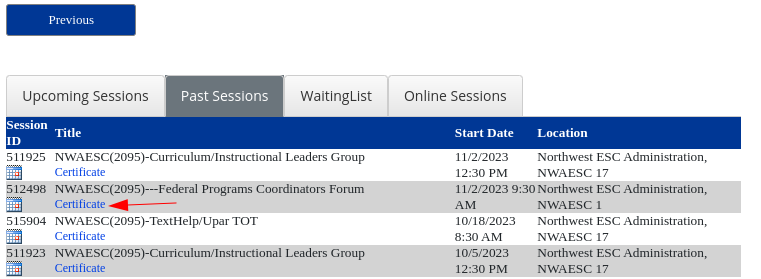
Updating Your Account Information
If your information has changed: New last name, moved to a different district, new email address etc. DO NOT CREATE A NEW ACCOUNT!!
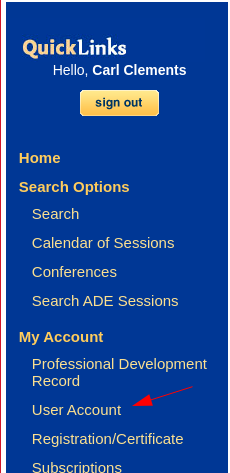 Update any incorrect information
Click Save Record
Update any incorrect information
Click Save Record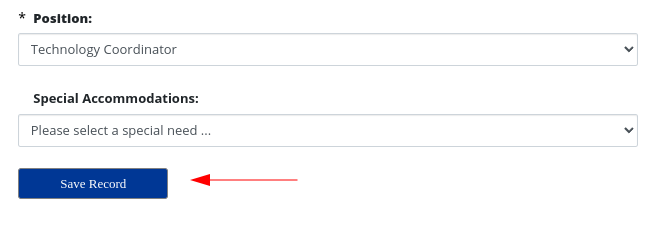
Downloading Your Professional Development Record
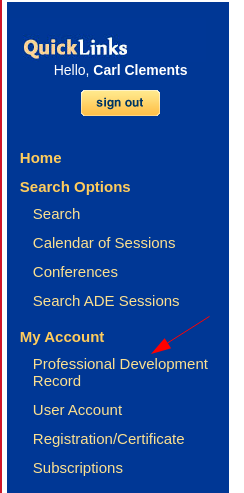 Select the appropriate Year of Record and click Go
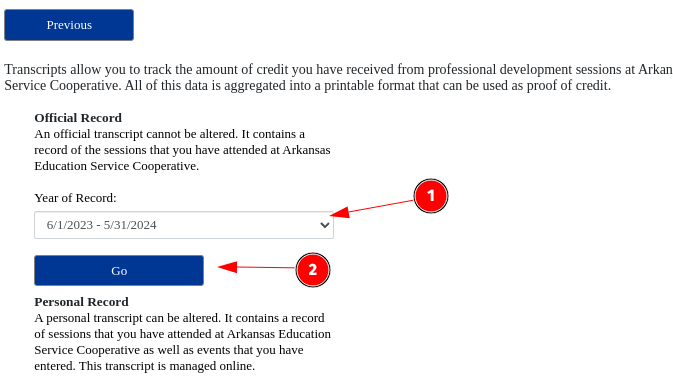 The transcript will download as a PDF
Originally posted by Carl Clements on the West Fork Technology Hub (2023-11-28).