
Windows 11 - Move Start Menu to the Left
Importing…Windows 11 introduced a change, moving the start menu from the traditional bottom left of the screen to the center. This doesn’t bother some people😊, but others find it infuriating😡! If you are in the latter group, it only takes a few clicks to move the start menu back to the left.
Click on the Start Menu.
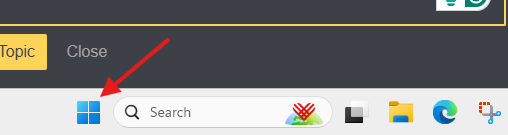
Type in “Settings” and press enter.
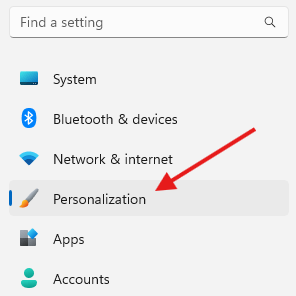
Click “Personalization” on the left side of the System dialog box.
Scroll down a bit and click on “Taskbar”
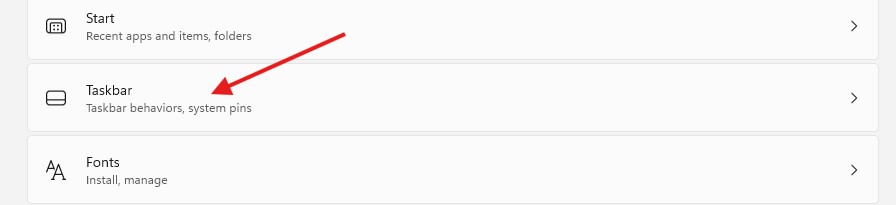
Click “Taskbar behaviors”

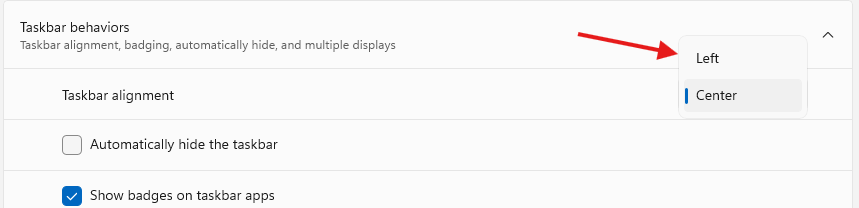
This will expand the Taskbar behaviors menu. There is a drop-down menu to the right of Taskbar alignment. Select “Left” in the drop-down menu.
Originally posted by Carl Clements on the West Fork Technology Hub (2024-12-03).