
Accessing eSchool, TAC, EAC, and eFinance from Off-Campus
~Updated 2026~
Accessing state resources from off-campus has changed to work with your school Microsoft account, the same account used to log into your school-provided laptop, your email, and other campus services. Because of this change, there is a workflow adjustment that must be made.
The old pop-up login does not work with Microsoft accounts, so you will have to perform a pre-authentication when you are working off-campus.
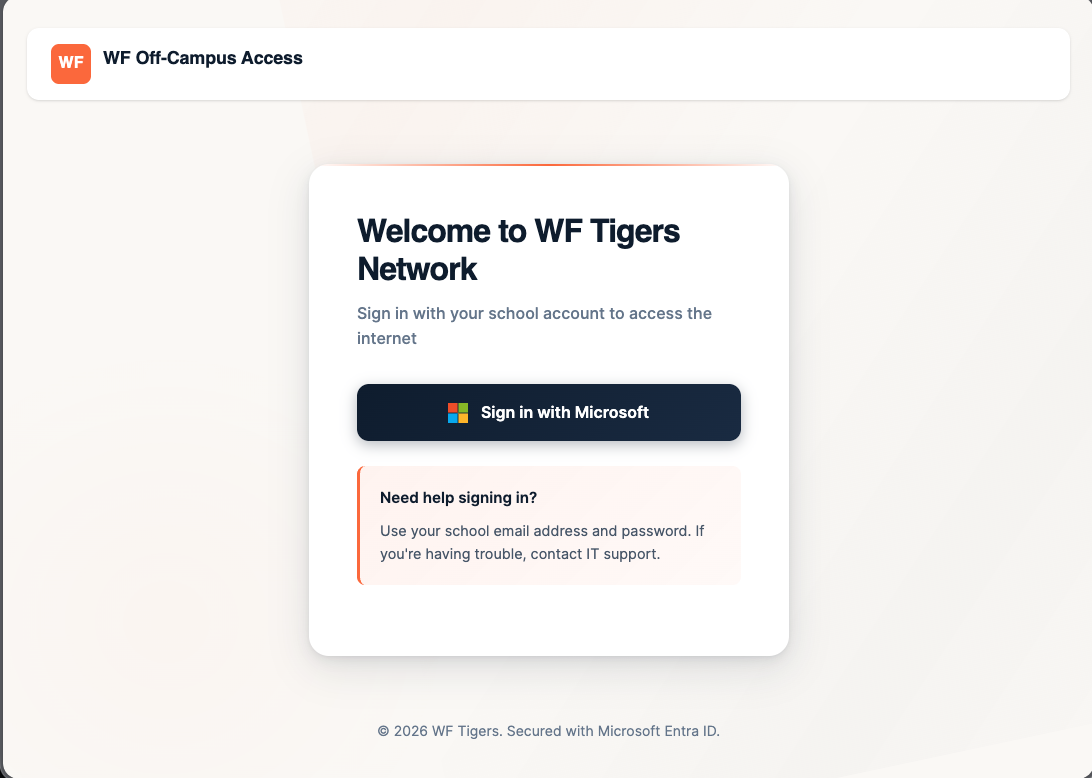
To access the login page, either visit https://proxy-login.wftigers.org or click on the "Off-Campus Access" button found in your new-tab page.
Once you go to this page, you will need to click on the "Sign in with Microsoft" button.
You will potentially have to verify your account permissions, but you should then see something similar to this success page:
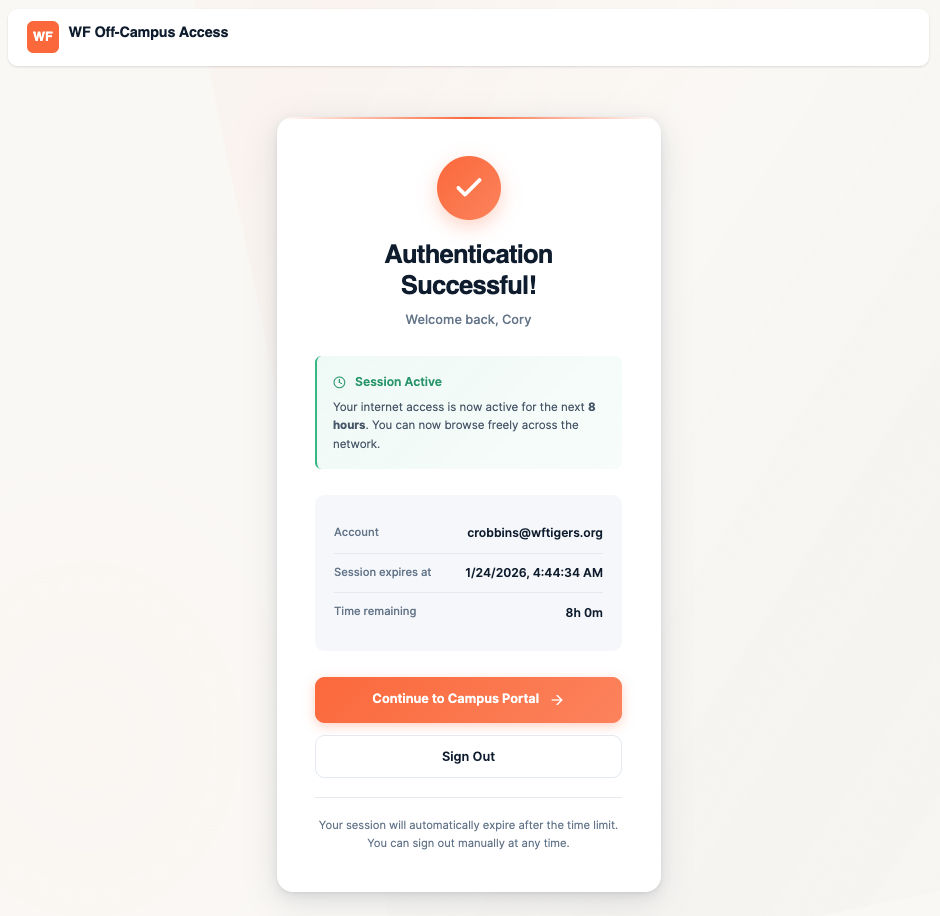
You will see that this shows an 8-hour session. To proceed, click on the "Continue to Campus Portal" button.
On the next page, you should see shortcuts for eSchool, eFinance, TAC, and Employee Access Center. From this point, you can click on any of the link cards, or you can use your normal bookmarks.
It isn't required that you sign out.
Please note: You will be able to use this method in any Chrome browser that you have synced your profile with. You can also use it on any school device within Edge.
No comments to display
No comments to display